ReadingSpace
Keep reading where it happens.
Built for Obsidian, the browser, and MarginNote.

Across platforms, built for reading in context.
Each context stands on its own. The experience stays quiet, clear, and consistent.
Obsidian
Bring reading into your knowledge base. Rediscover it anytime.
Organize what you read and revisit your knowledge in Obsidian, so each insight can keep developing.
Enter Obsidian Reading Space
Core scene screenshot to be added
Obsidian Reading Hub Overview
Reserved for the full main window, reading space home, and real Vault context.
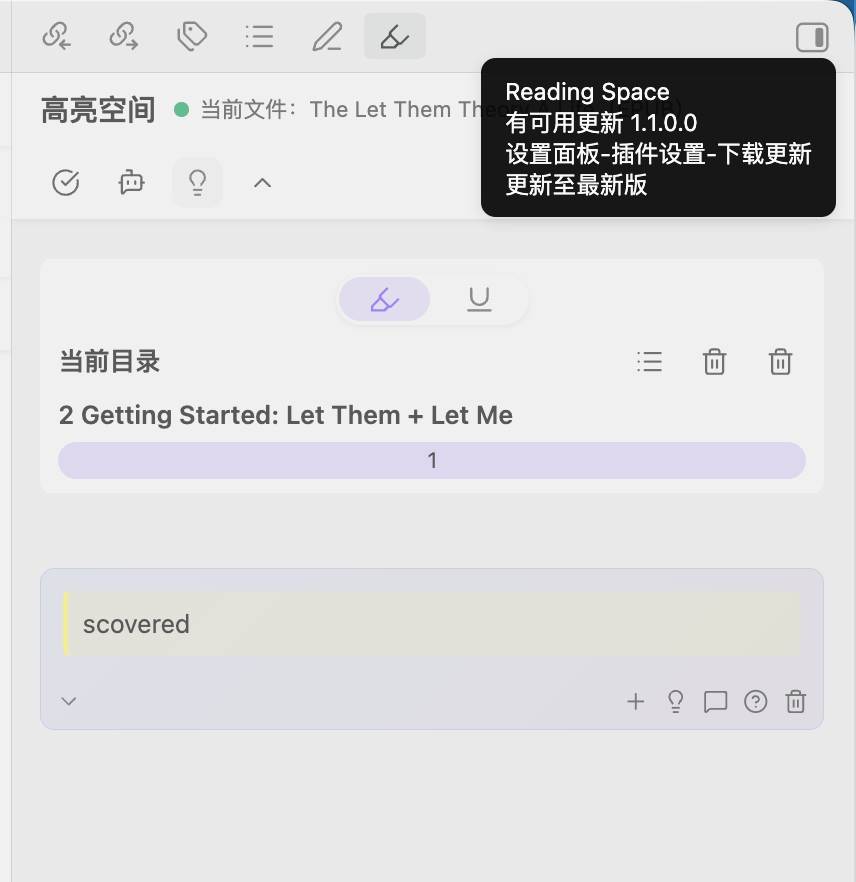
Web · Browser Extension
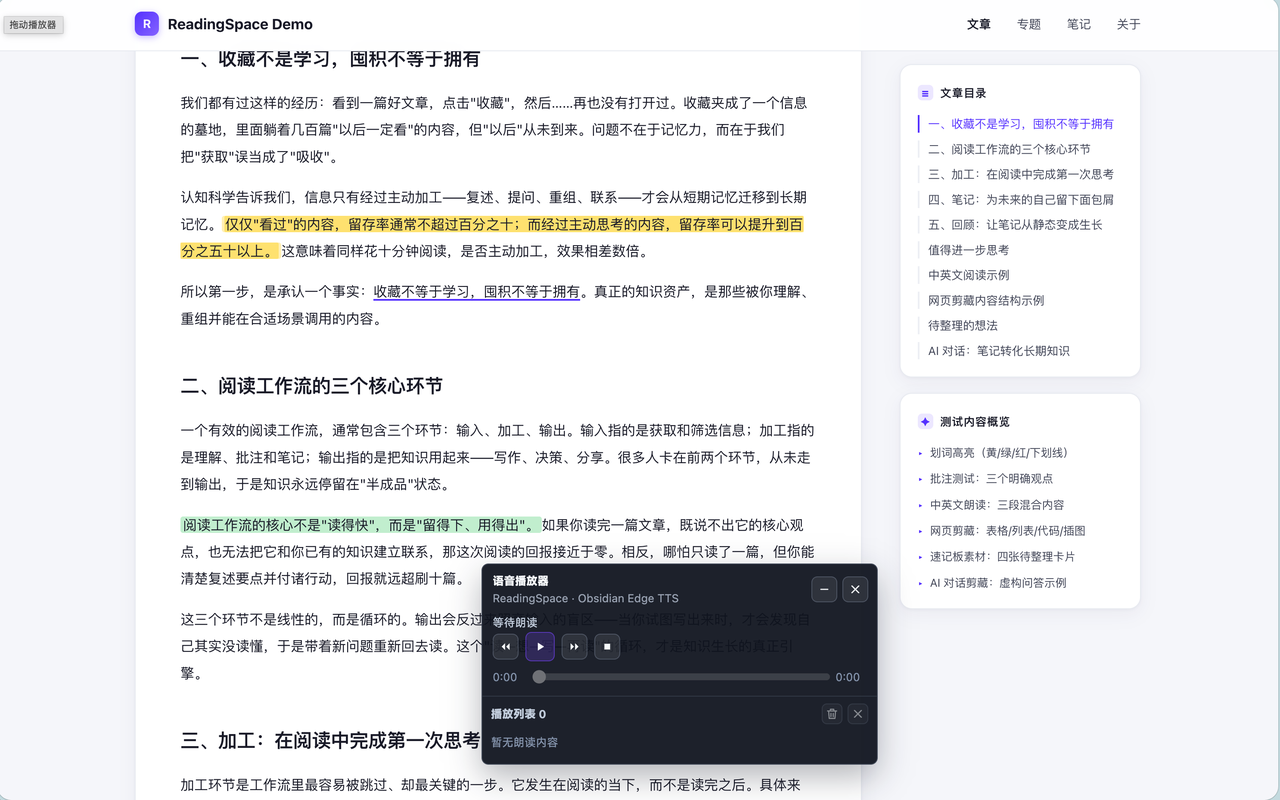
Open a webpage. Your reading space is ready.
Highlight, annotate, capture, and organize what you read in the browser, with optional Obsidian sync.
Enter Web Reading Space
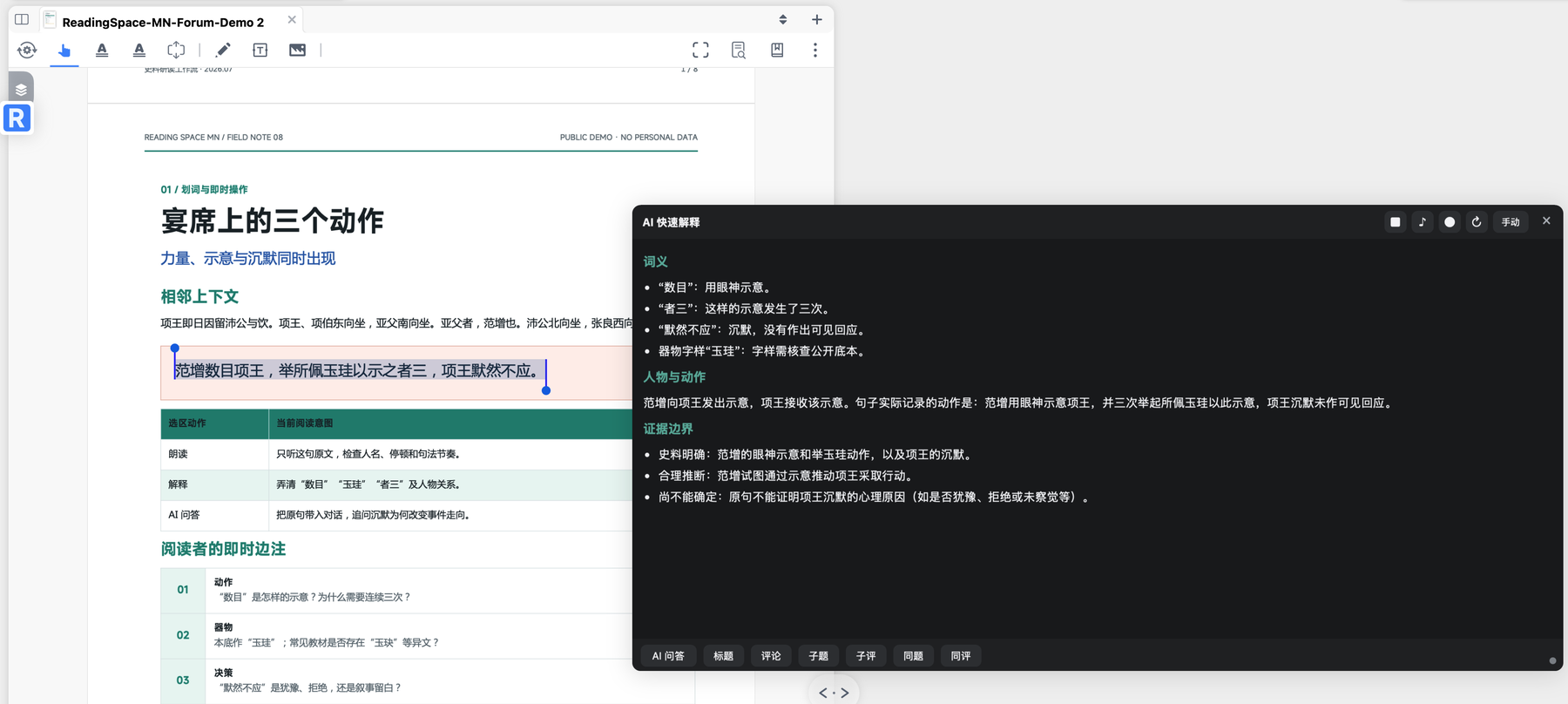
MarginNote
Explanations, questions, and cards stay with the material.
Explain selections, ask follow-up questions, write results back to cards, listen to text, and export to Obsidian without leaving MarginNote.
Enter MarginNote Reading Space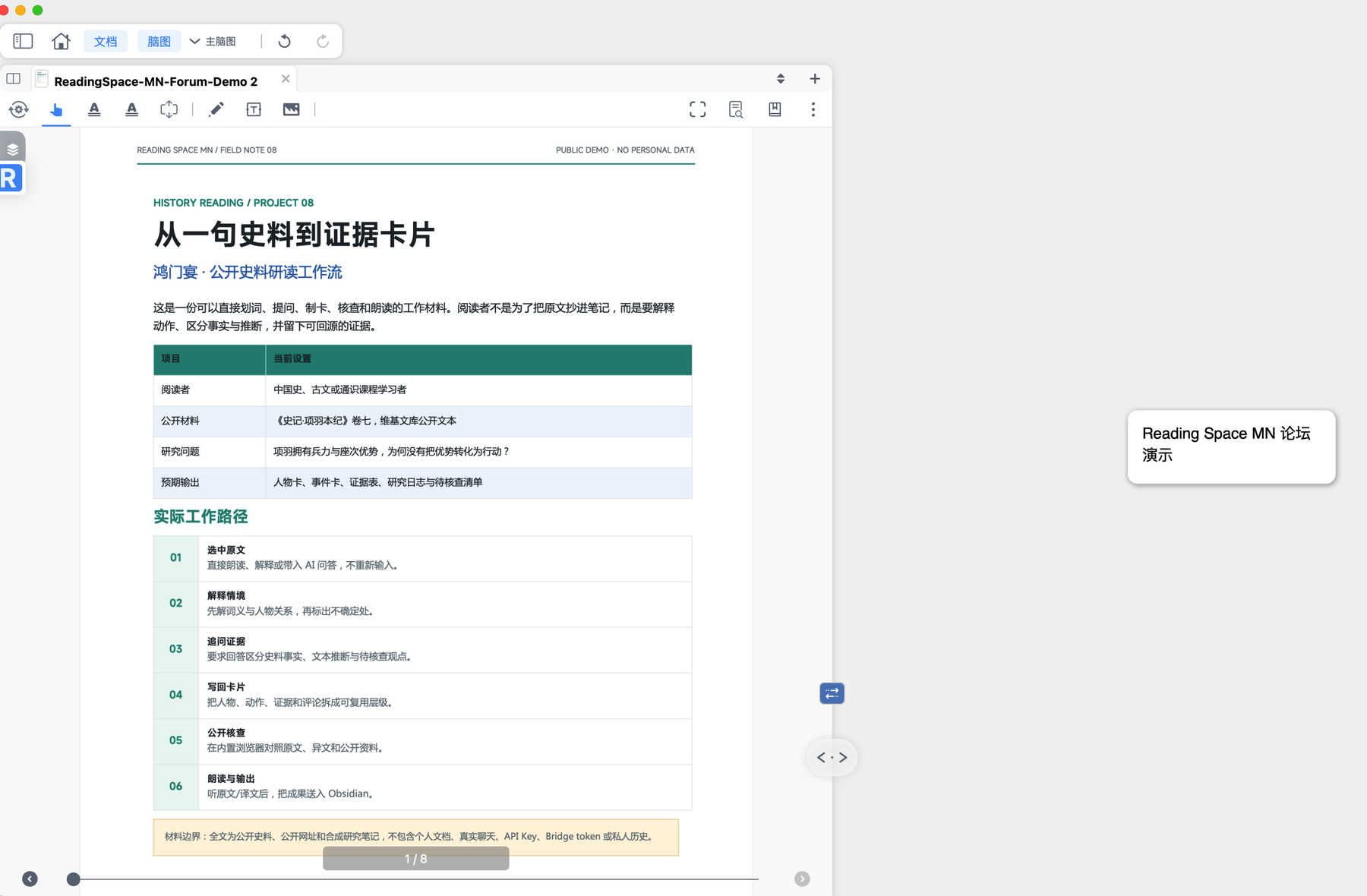
Sync status
Sync status
- Web & Obsidian
- Connected
- MarginNote & Obsidian
- In progress
- Full cross-platform sync
- Not yet available