Explain current text and dig deeper
Get quick explanations and ask follow-up questions about PDF selections and card content.
Deep Reading Plugin
Explanations, questions, and cards stay with the material.
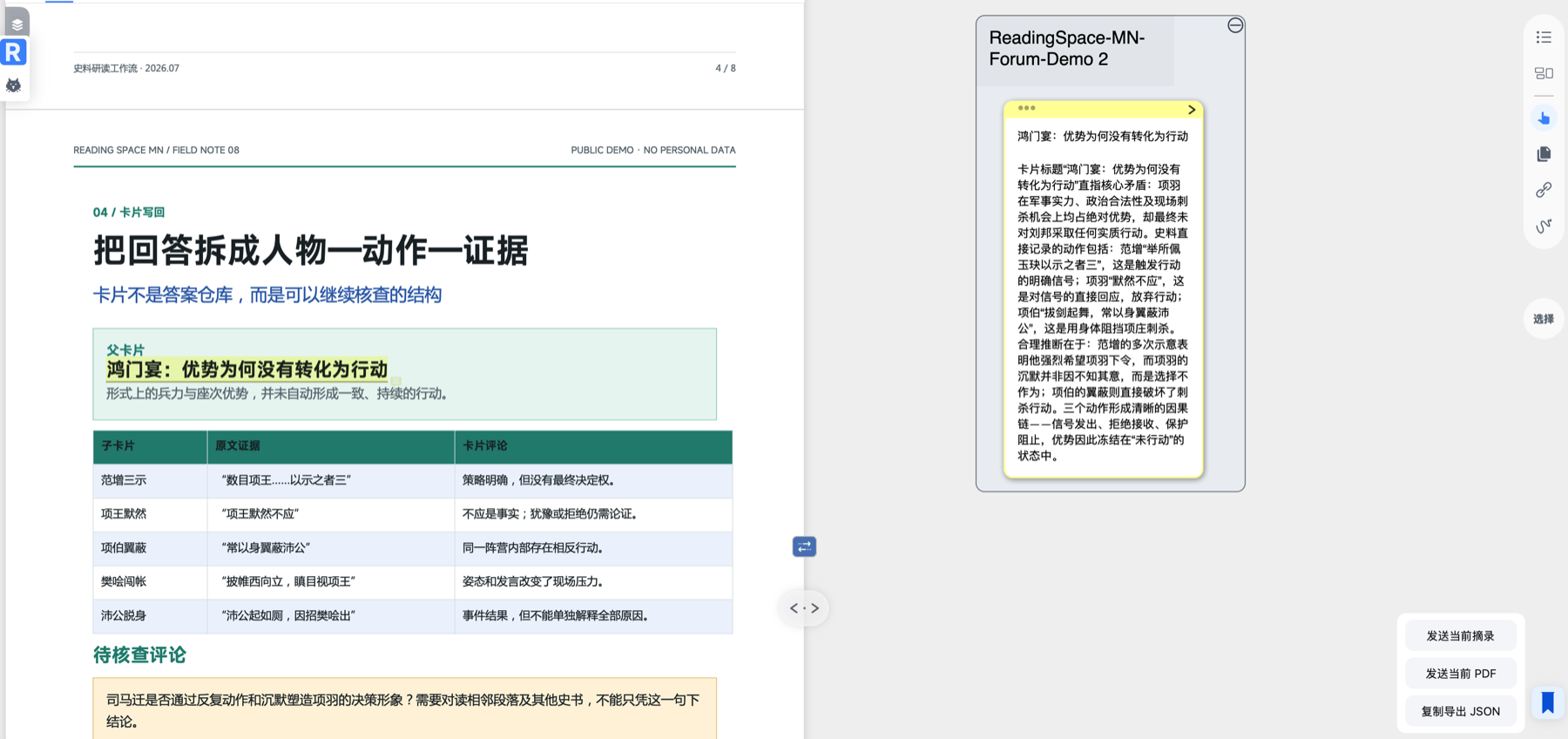
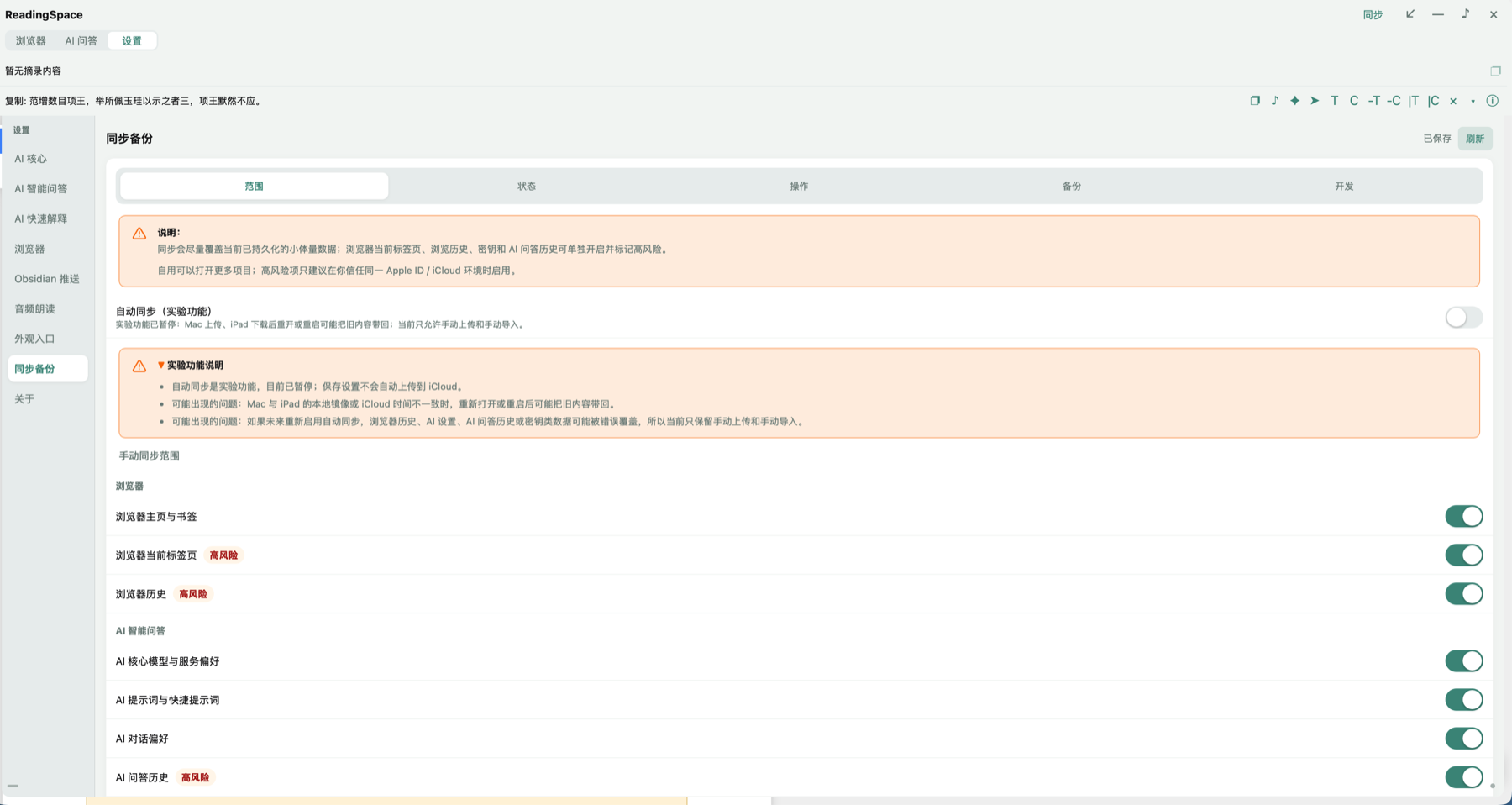
Explain selections, ask follow-up questions, write results back to cards, listen to text, and export to Obsidian without leaving MarginNote.
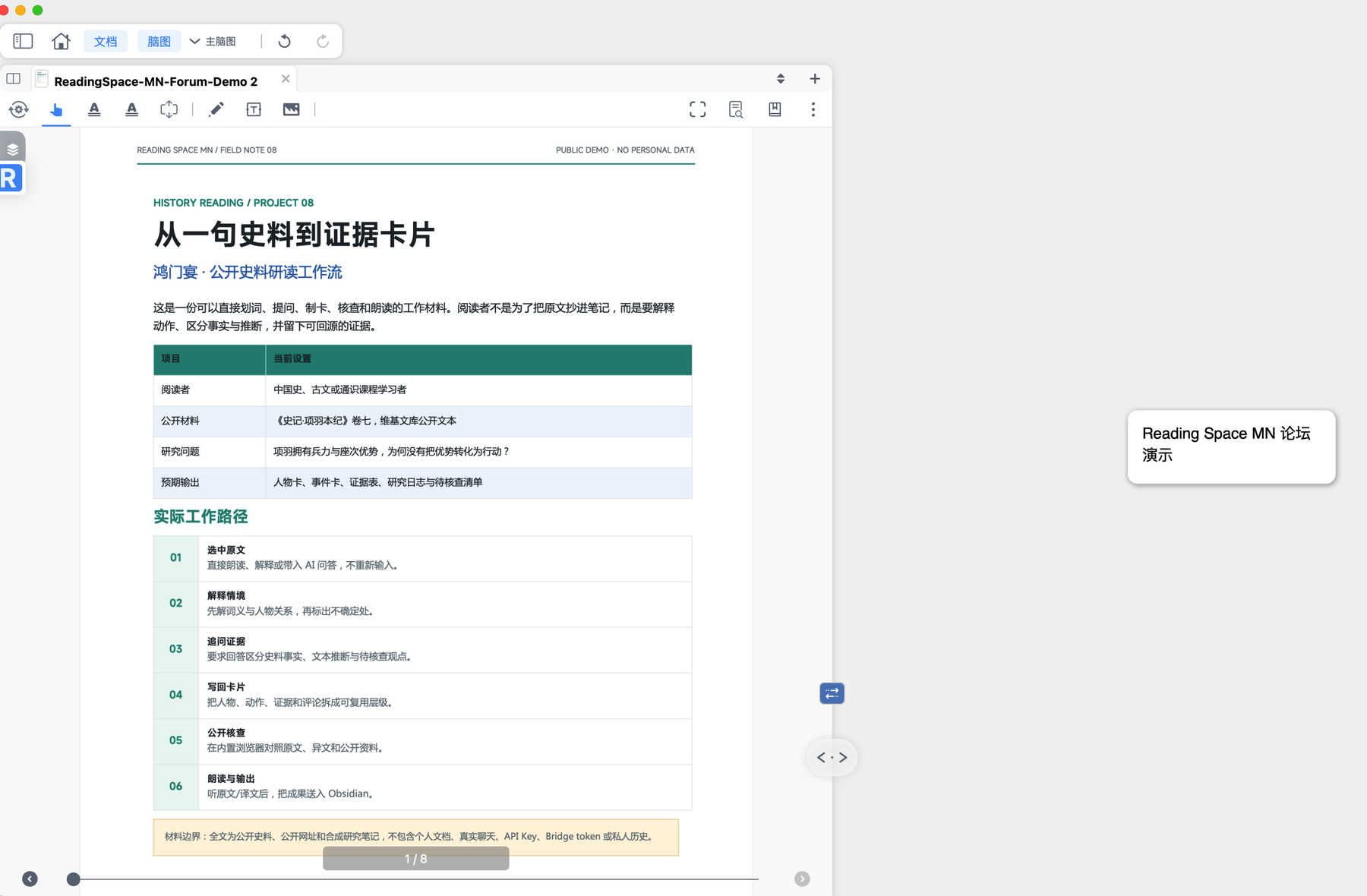
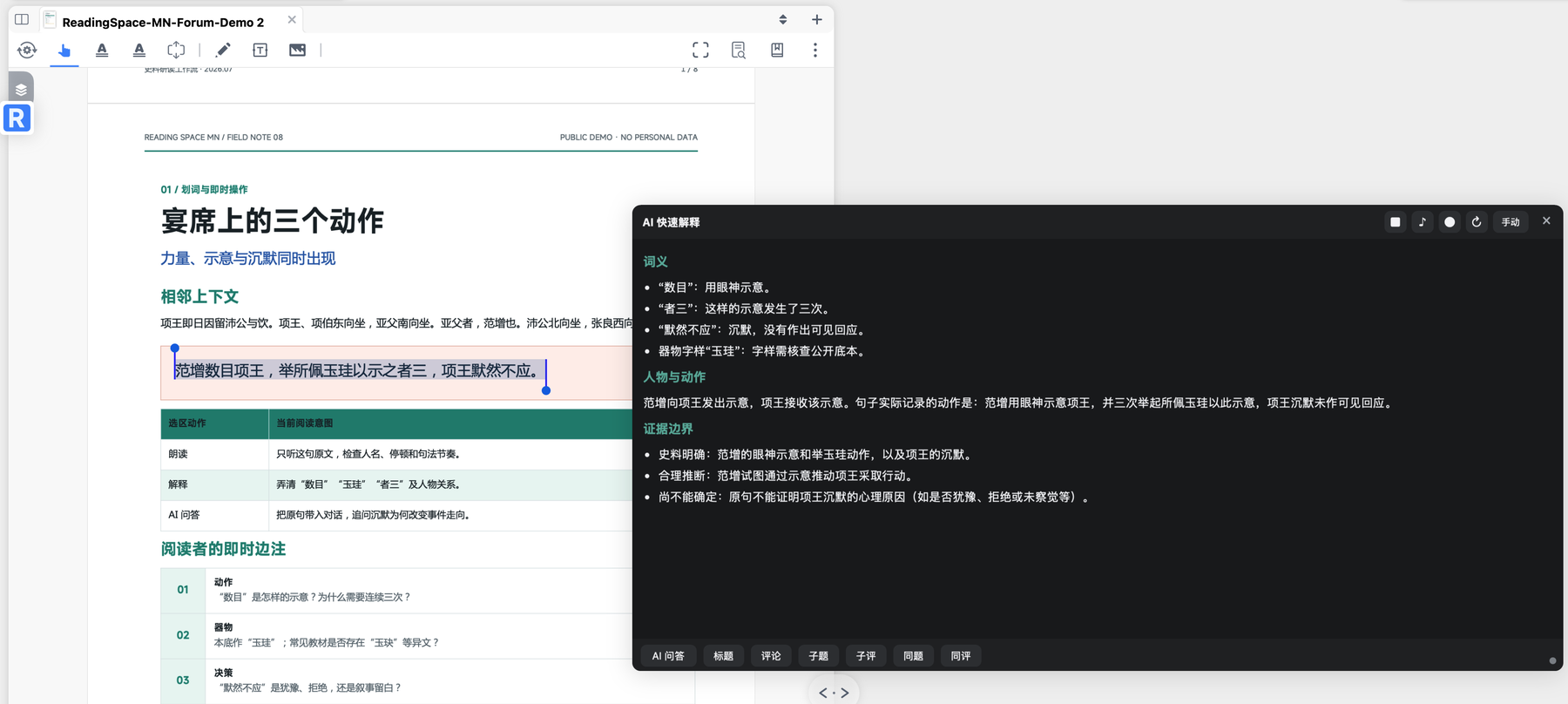
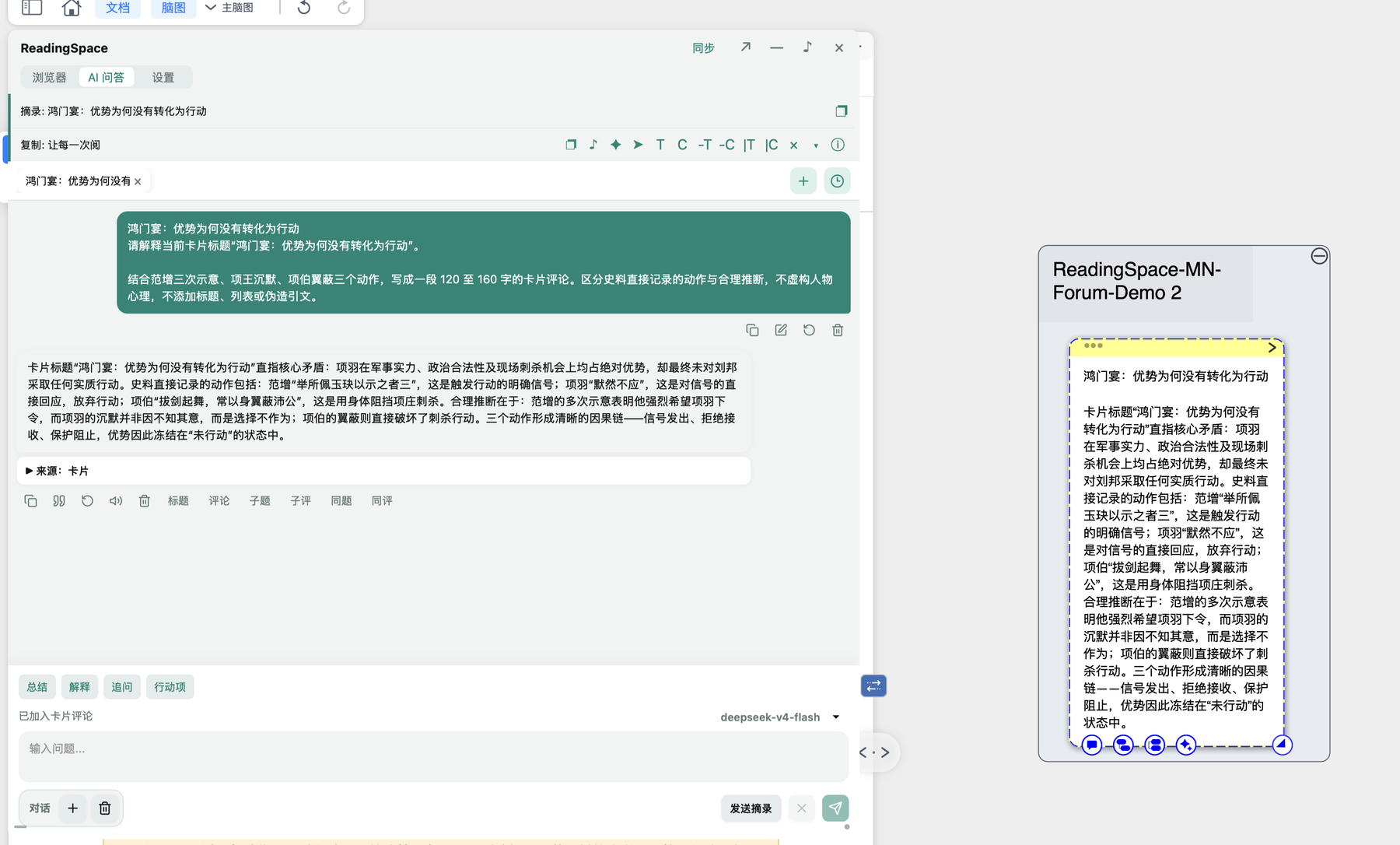
Start with a PDF selection, excerpt, or mind map card, then request an explanation, ask AI follow-up questions, or listen to the text. Results can be written back to cards or exported to Obsidian when needed.
Get quick explanations and ask follow-up questions about PDF selections and card content.
AI responses can be written back to titles, comments, child cards, and sibling cards.
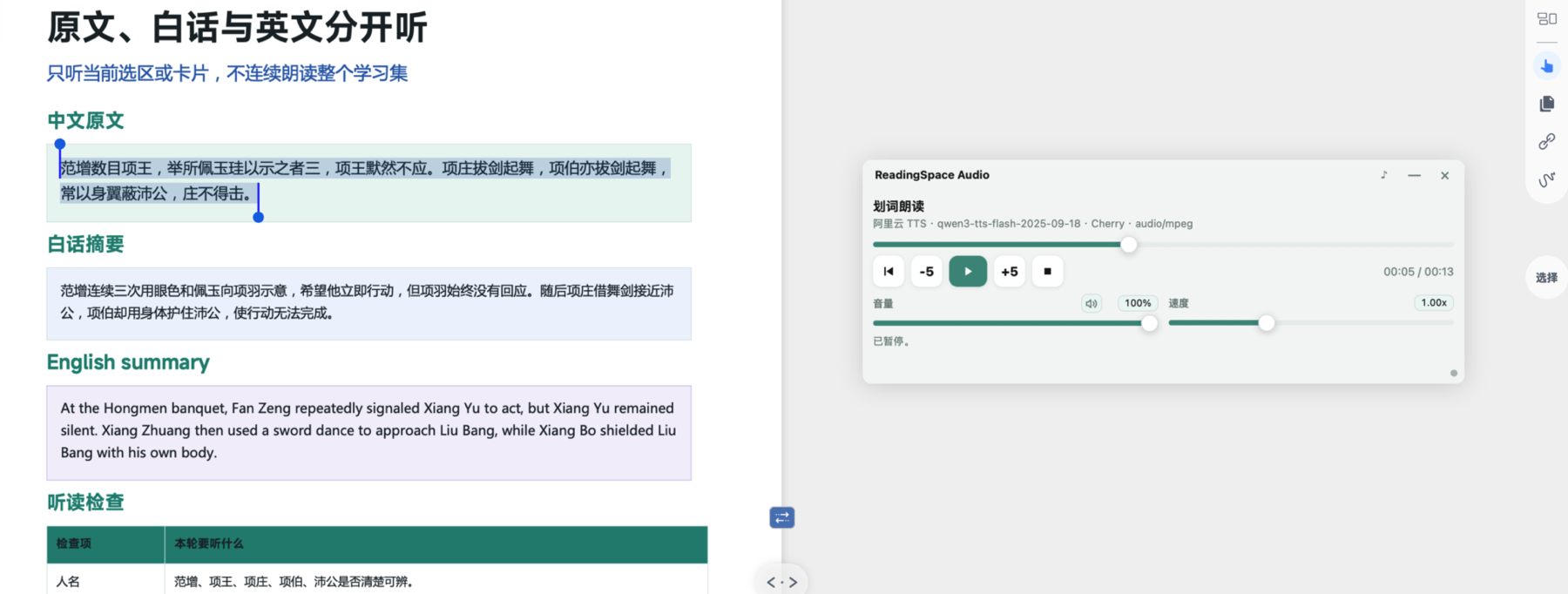
Use text-to-speech from multiple providers, control playback in a dedicated player, and export manually to Obsidian.
Real Plugin Interface
Forum availability
View the ReadingSpace for MarginNote release post in the forum.
Open forum